max-width: 600px;
margin: 20px auto;
background: #ffffff;
border-radius: 10px;
padding: 20px;
font-family: Arial, sans-serif;
border: 1px solid #ddd;
box-shadow: 0 4px 10px rgba(0,0,0,0.05);
}
.apk-box p.description {
font-style: italic;
color: #555;
text-align: center;
margin-bottom: 20px;
}
.apk-table {
width: 100%;
border-collapse: collapse;
margin-bottom: 15px;
}
.apk-table td {
padding: 10px 8px;
border-bottom: 1px solid #eee;
vertical-align: middle;
}
.apk-table td:first-child {
width: 40%;
font-weight: bold;
color: #444;
}
.apk-table td:last-child a,
.apk-table td:last-child span {
color: #007BFF;
text-decoration: none;
font-weight: bold;
}
.apk-table td:last-child img {
vertical-align: middle;
}
.rating {
text-align: center;
margin: 15px 0;
font-size: 16px;
color: #444;
}
.stars {
color: #FFD700;
font-size: 18px;
letter-spacing: 1px;
}
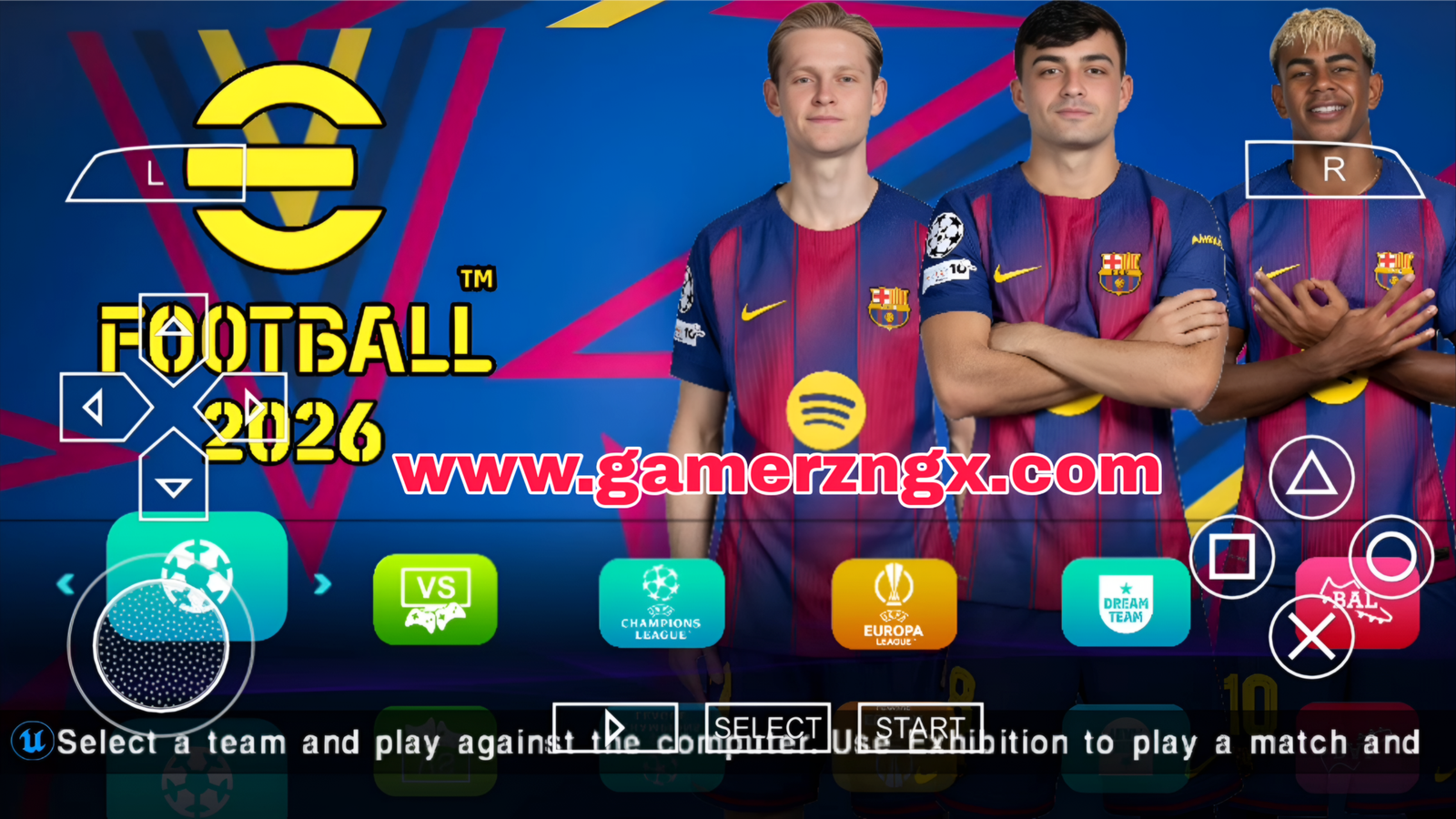
eFootball PES 2026 – La mise à jour avec le FC Barcelone!
| 📱 Nom | eFootball PES 2026 MOD |
| 🛠️ MOD By | Thork 9INE |
| 🎮 Genre | Sports – Football |
| 📦 Taille | 1,5 Go |
| ⚡ Version | 14 Octobre 2025 |
| 🔓 + d’Info | Mise à Jour 2025-26 / Camera PS5-Normal / Gameplay en HD |
| ✉️ Télécharger sur TELEGRAM |
 Obtenir sur TELEGRAM |
.download-buttons {
display: flex;
flex-direction: column;
align-items: center;
gap: 15px;
margin: 20px 0;
}
.download-buttons button {
position: relative;
display: inline-block;
padding: 12px 24px;
font-size: 16px;
color: #fff;
text-decoration: none;
background: #007BFF;
border: none;
border-radius: 8px;
cursor: pointer;
overflow: hidden;
transition: transform 0.3s ease, box-shadow 0.3s ease;
}
.download-buttons button::before {
content: « »;
position: absolute;
top: -50%; left: -50%; right: -50%; bottom: -50%;
background: rgba(255, 255, 255, 0.2);
transform: rotate(45deg) scale(0);
transition: transform 0.5s ease;
}
.download-buttons button:hover {
transform: scale(1.05);
box-shadow: 0 8px 20px rgba(0, 123, 255, 0.4);
}
.download-buttons button:hover::before {
transform: rotate(45deg) scale(4);
}
@keyframes pulse {
0%, 100% { box-shadow: 0 0 5px rgba(0, 123, 255, 0.5); }
50% { box-shadow: 0 0 15px rgba(0, 123, 255, 0.8); }
}
.download-buttons button.ready {
animation: pulse 2.5s infinite;
}
.file-size {
display: block;
font-size: 13px;
color: #e0e0e0;
margin-top: 5px;
}
document.querySelectorAll(‘.download-buttons button’).forEach(function(button) {
let countdownStarted = false;
button.addEventListener(‘click’, function () {
if (button.classList.contains(‘ready’)) {
const link = button.getAttribute(‘data-link’);
window.location.href = link;
return;
}
if (countdownStarted) return;
countdownStarted = true;
let seconds = parseInt(button.getAttribute(‘data-seconds’), 10);
const size = button.getAttribute(‘data-size’) || »;
const interval = setInterval(() => {
if (seconds > 0) {
button.textContent = `Téléchargement dans ${seconds}s…`;
seconds–;
} else {
clearInterval(interval);
button.textContent = `Télécharger maintenant (${size})`;
button.classList.add(‘ready’);
}
}, 1000);
});
});
Principales caractéristiques de eFootball PES 2026 PPSSPP
eFootball PES 2026 PPSSPP – Configurations requises
Configuration minimale
- Un espace de stockage de 1,7 Go
- Une mémoire RAM de 1 Go
- Un processeur de 1,5 GHz
- Un émulateur PPSSPP
Configuration recommandée
- Un espace de stockage de 2 Go
- Une mémoire RAM de 2 Go
- Un processeur de 2 GHz
- L’émulateur PPSSPP Pro
Comment installer eFootball PES 2026 PPSSPP ISO SAVEDATA TEXTURES
- Extrayez le fichier « GAME » vers le dossier PSP/GAME
- Extrayez le fichier « SAVEDATA » vers PSP/SAVEDATA
- Extrayez le fichier « TEXTURES » vers PSP/TEXTURES
- Allez dans votre émulateur PPSSPP et mettez votre jeu en espagnol latina
- Désactivez la mémoire rapide
- Lancez le jeu et profitez!